Features
Navis works with Navidrome and any other Subsonic or OpenSubsonic server.
Offline
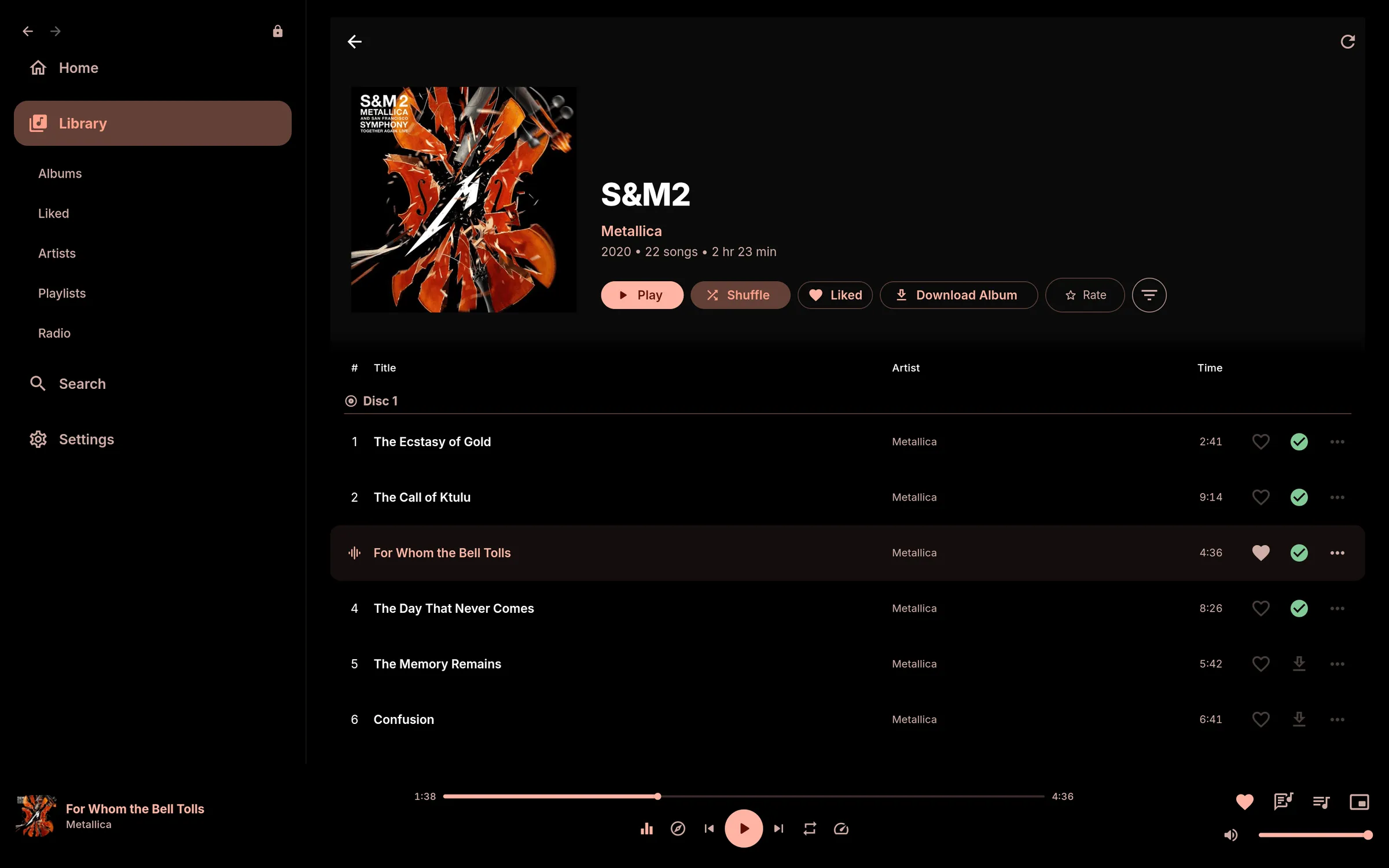
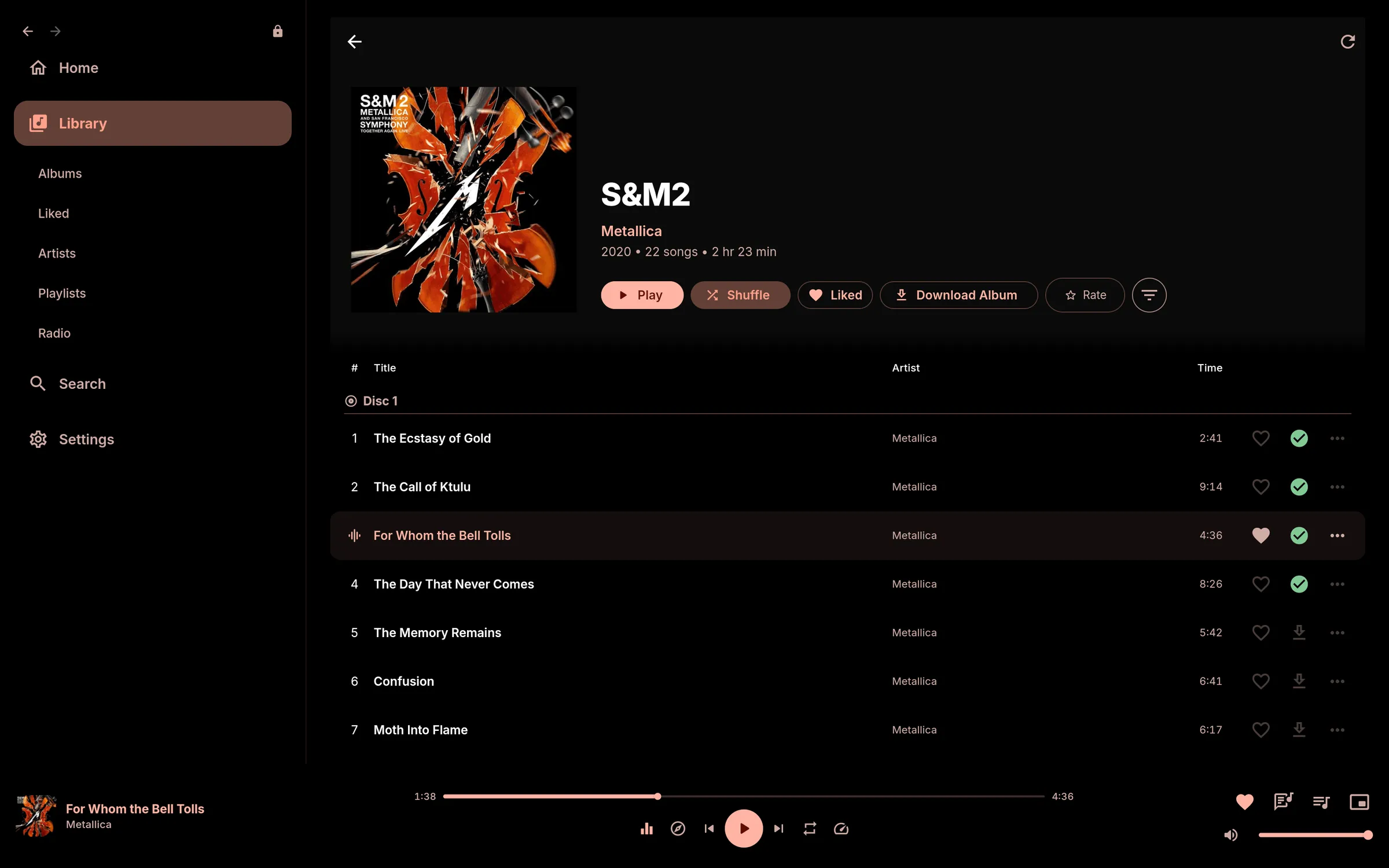
- Downloads for albums, playlists and liked songs, with your choice of quality, format and parallel downloads.
- Auto-download liked songs, with a warning before it uses mobile data.
- Your whole library offline. Browse, filter and search every album, artist and playlist with no connection.
- Lyrics and artwork backfill: Downloads settings lists downloaded songs missing them, and Backfill Now fetches them.
- Playback order: the downloaded copy first, then the stream cache, then the stream.
- Stream and artwork cache with a storage limit you set.
- Custom download folder, with a rescan that imports music already in it.
- Reconnects by itself. ListenBrainz scrobbles made offline are sent later.
Playback
- Gapless playback and crossfade, with a choice of fade mode.
- ReplayGain with pre-amp.
- Equalizer with presets, AutoEQ import and offline headphone search.
- Speed and pitch, set separately, with saved presets.
- Loudness enhancer on Android.
Server
- Any Subsonic or OpenSubsonic server, such as Navidrome.
- Separate Wi-Fi and mobile quality for bitrate and format.
- Library sync that resumes after interruptions and keeps likes and playlists in step.
- Likes, 5-star ratings, playlists and server scrobbling.
- Remote catalogue albums open as normal pages, marked "Remote".
- Playlists on this device, created and edited offline, with mosaic covers. Save on Server moves one to your server.
- Radio stations on this device, or on your server if you are its admin.
Discovery
- Instant Mix from your server, or Same Vibes from Last.fm.
- Instant Radio: an endless queue from one tap.
- Artist pages with photos, fan counts, Top Tracks, This Is mixes, Fans Also Like and Missing Albums.
- Trending Now: Deezer's chart matched to your library and your server.
- New Releases from the last month, by the artists you play most.
- ListenBrainz scrobbling, loves, and the Weekly Jams and Weekly Exploration playlists.
Lyrics and radio
- Synced lyrics from LRCLIB or your server, with a full-screen mode.
- Internet radio with now-playing information.
Appearance
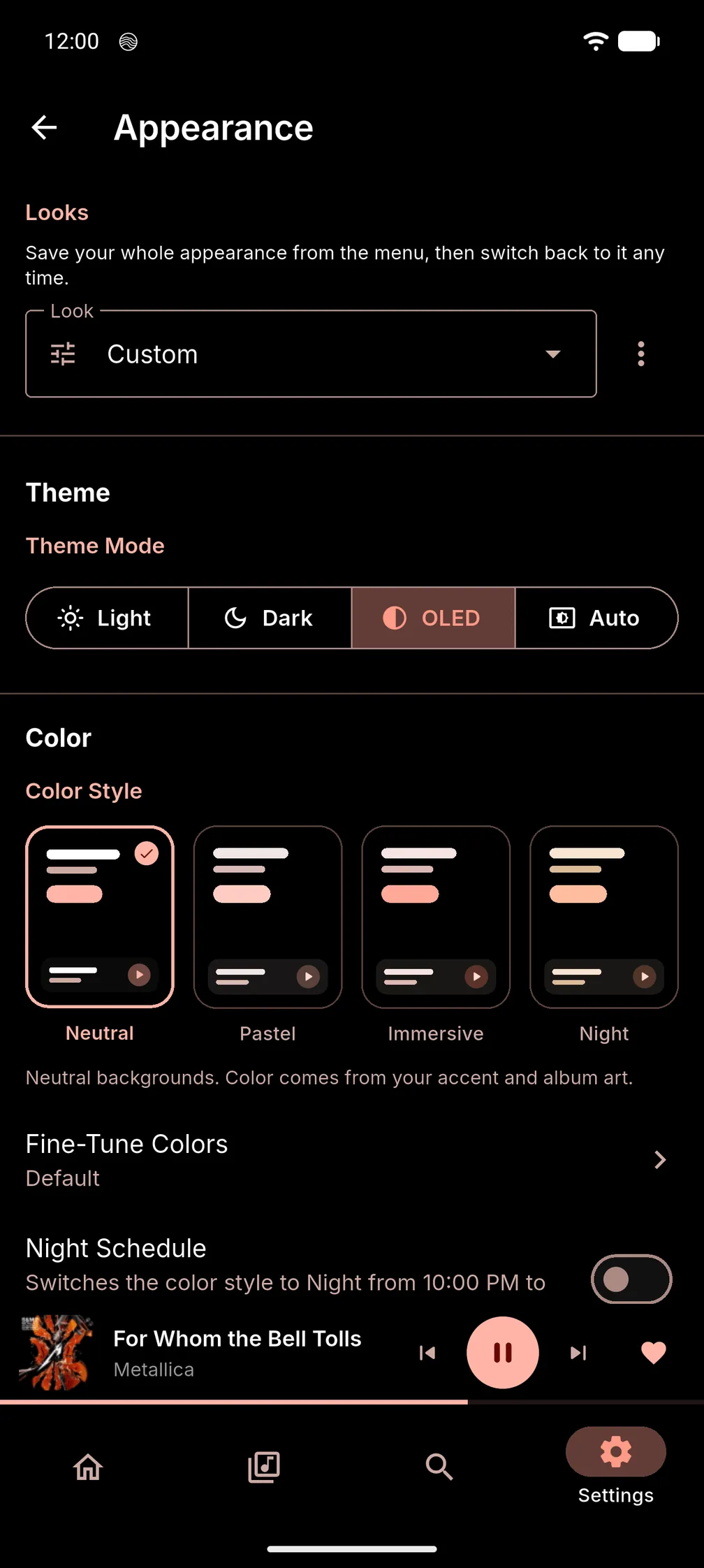
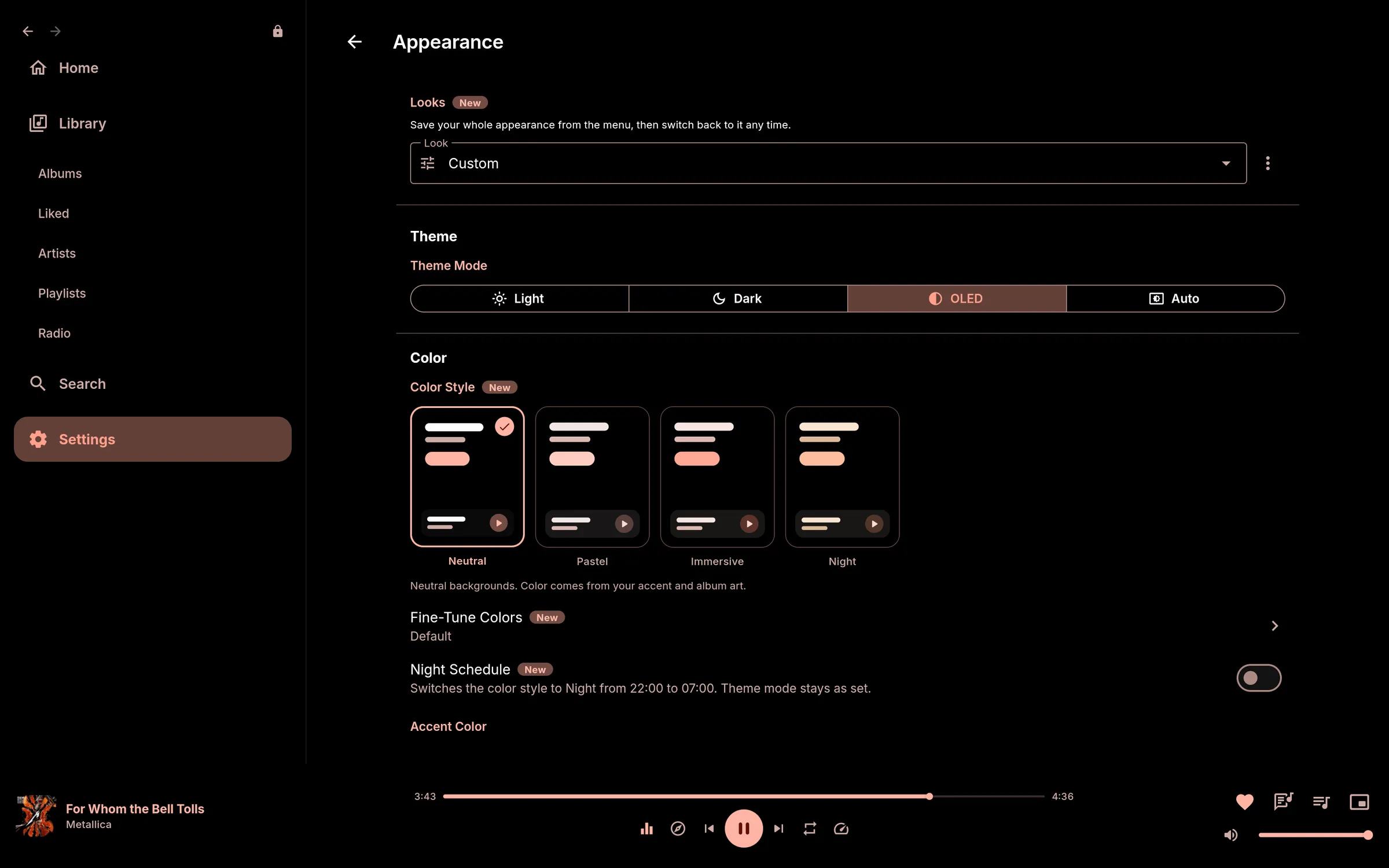
- Colour styles: Neutral, Pastel, Immersive and Night, each in Light, Dark or OLED black.
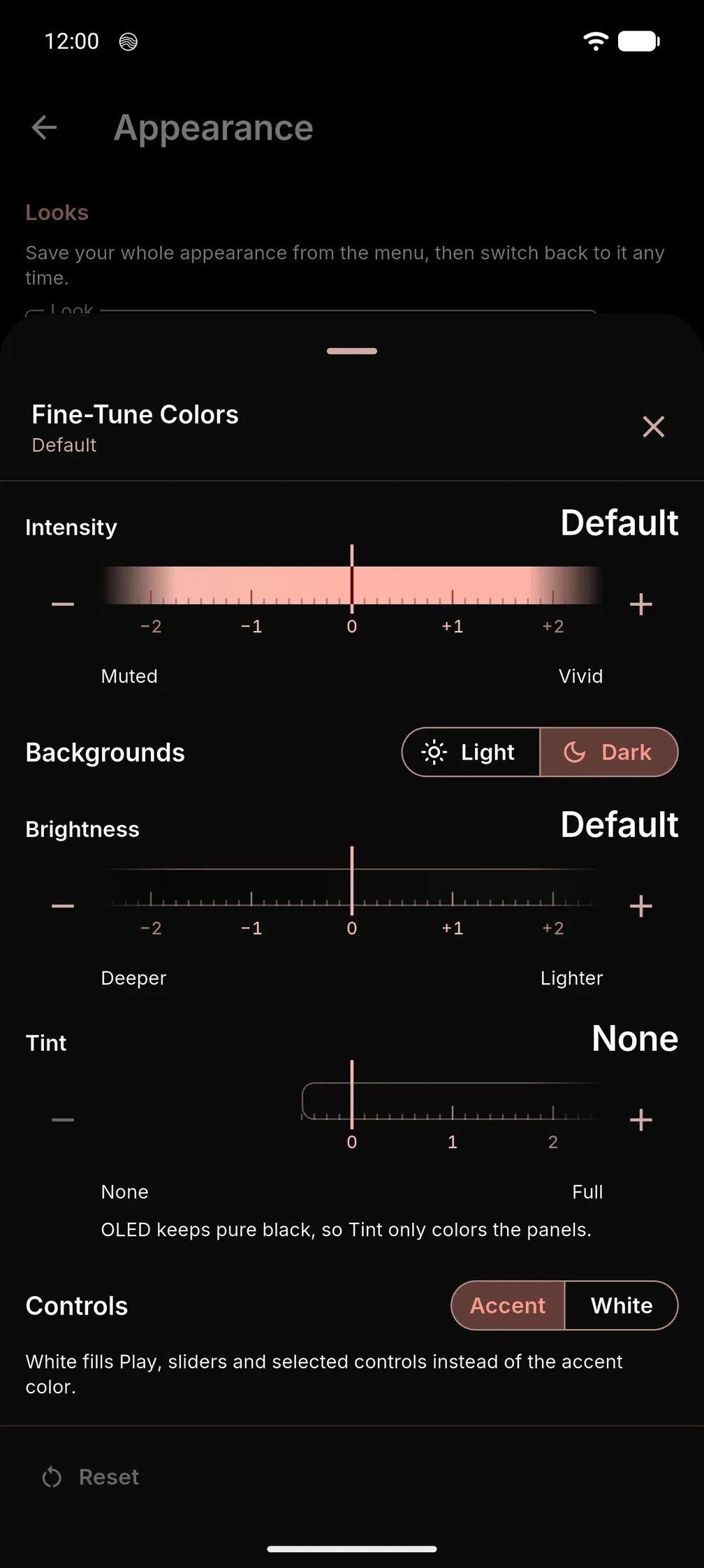
- Fine-Tune Colors: Intensity, Brightness and Tint for any colour style, set separately for Light and Dark.
- White controls: Play, sliders and selected controls in white.
- Looks: save your whole appearance under a name and switch in one tap, with Undo.
- Use OLED When Dark: Auto mode switches to pure black whenever your device is in dark mode.
- Night Schedule switches to the Night style at the hours you set.
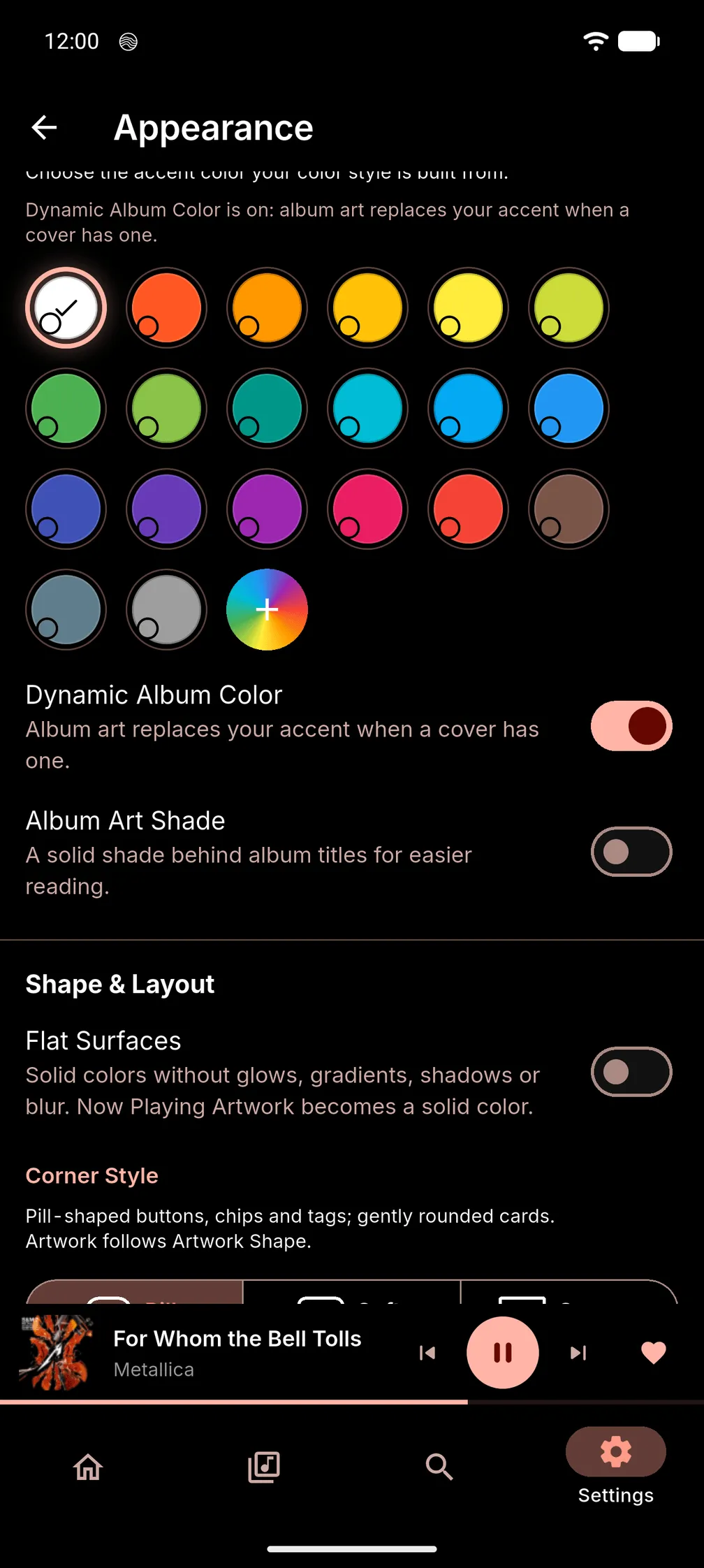
- Accent Color from a palette, a picker or a hex value, with saved presets.
- Dynamic Album Color: the accent follows the artwork of what is playing.
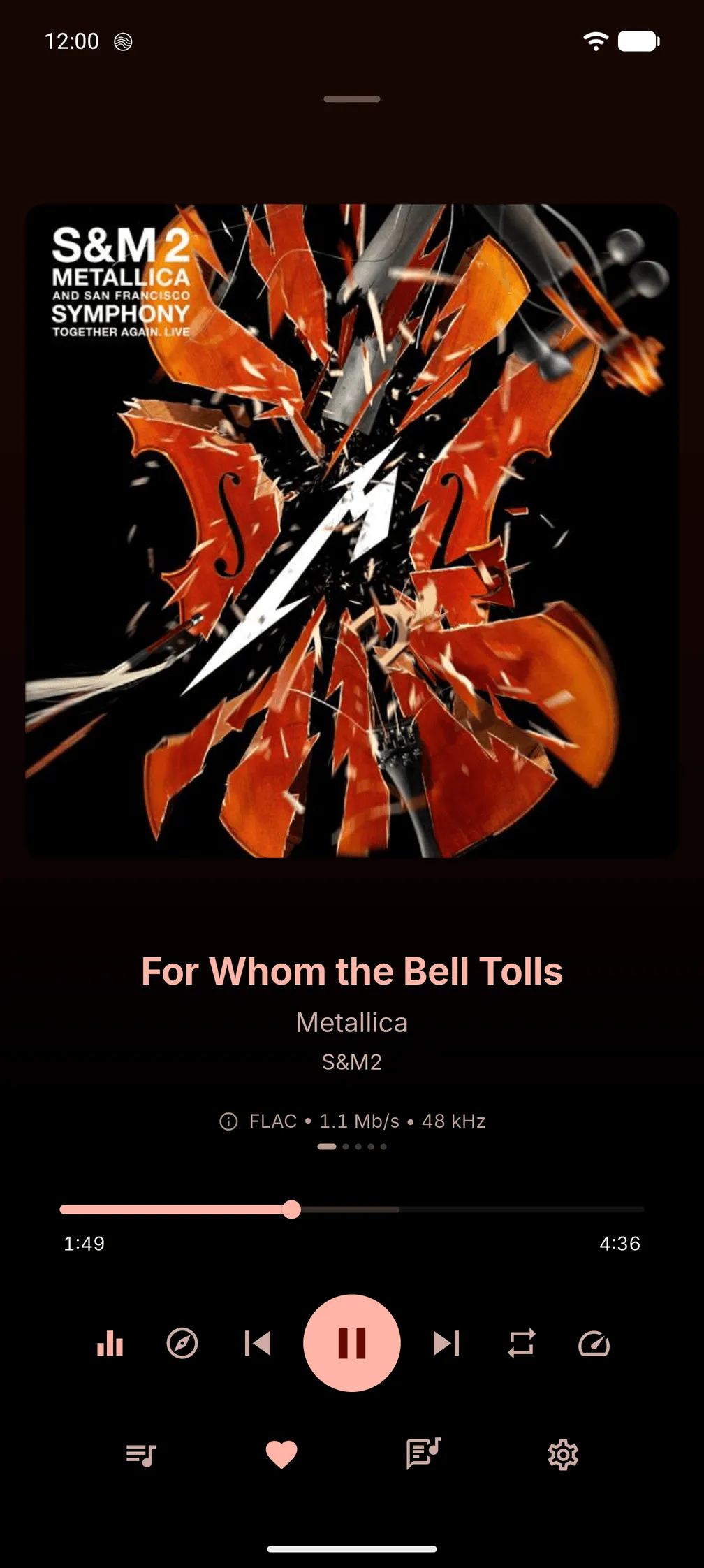
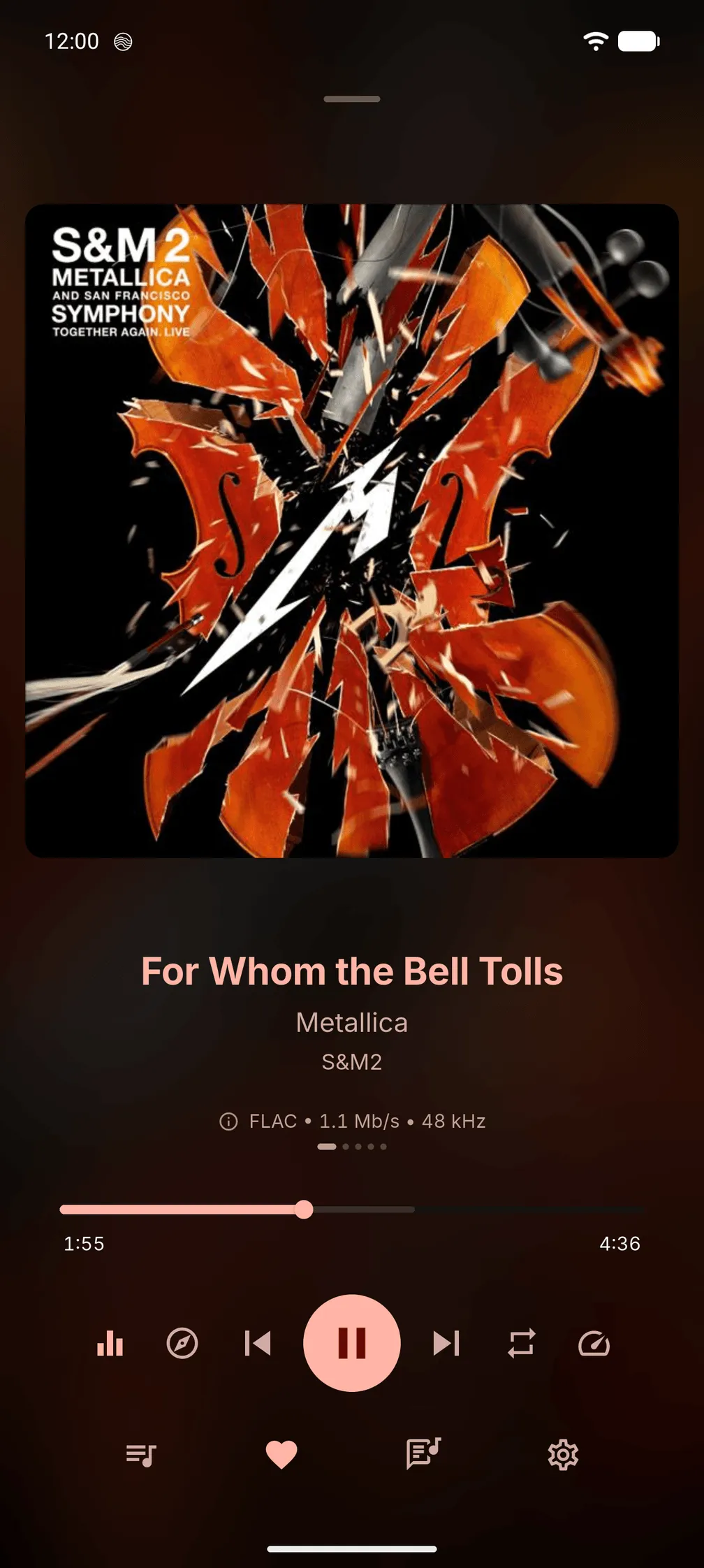
- Now Playing Background: Art-Tinted, Artwork (a soft blur of the cover) or Plain. The queue and desktop lyrics view use it too.
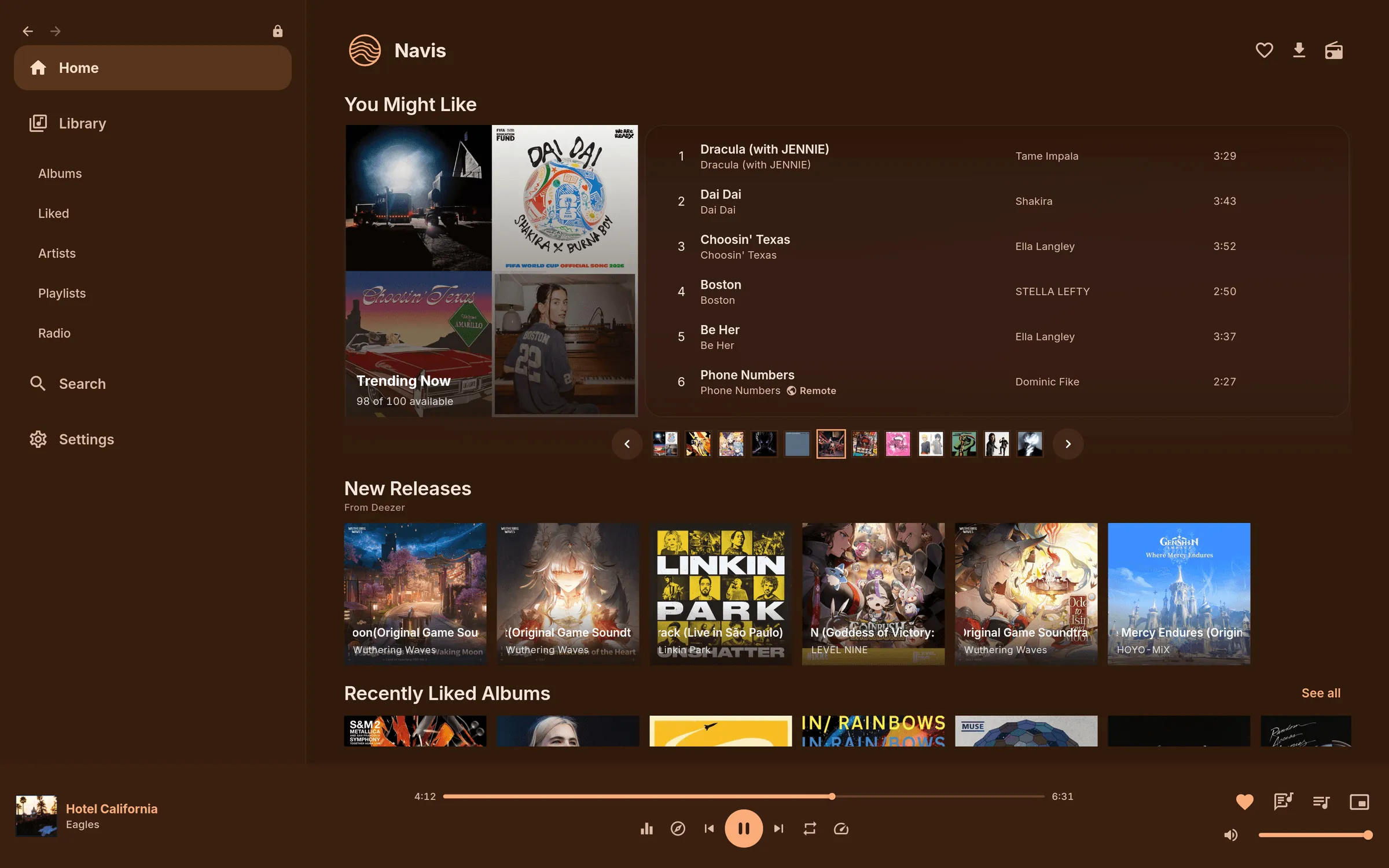
- Flat Surfaces: solid colours without glows, gradients, shadows or blur, everywhere or only where you choose.
- Corner Style: Pill, Soft or Square corners for cards, buttons and panels.
- Album Art Shade: long album titles scroll on one line over a see-through shade. Make it solid, or tint it with Use Cover Color.
- Layout: Comfortable or Compact density, cover shapes, artwork size, home sections and library tabs.
Privacy
- An Integrations page showing what each service receives and which host it goes to.
- A switch for every service, plus one that turns them all off. Then Navis only talks to your server.
- Your server password and ListenBrainz token are kept in your system's secure storage.
- Signed updates from downloads.porthorion.com, or GitHub if you prefer, checked before they install. Automatic checks can be switched off.
- Updating keeps your downloads, sign-in, settings, listening history, queue and on-device playlists.
Desktop
- Keyboard shortcuts for search, queue, speed and media keys, all rebindable.
- Mini Player in the same window, down to 560×360.
- System media controls through MPRIS on Linux and SMTC on Windows.
- Volume and mute are remembered between launches.
- Linux packages: .deb, .rpm, or a portable archive that also runs on older distributions such as Ubuntu 22.04.
- On Linux, the equalizer works and playback needs no separate mpv install.
Android
- Background playback with lock-screen and notification controls.
- A build for each processor type, or one universal APK. Updates pick the matching build.
Small touches
- Tap the cached icon on a song to download it.
- Tap the album art on an album page to see it full size.
- Long-press an album title to copy "Artist - Album".
- Cache & Storage can delete all saved Looks and Speed & Pitch presets, without changing your current settings.
Appearance options
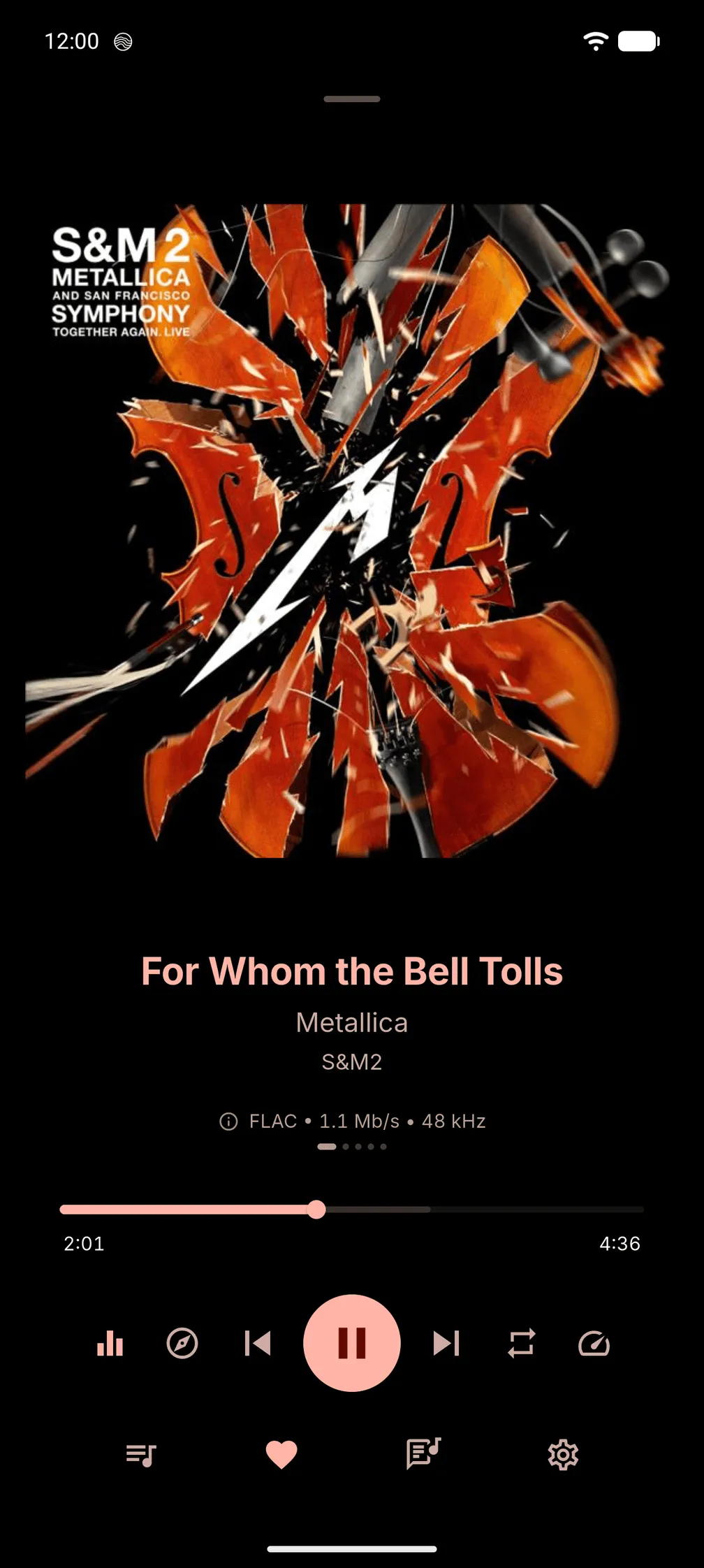
Now Playing, three ways
Art-Tinted, Artwork (a soft blur of the cover) or Plain. The queue and the desktop lyrics view use it too.
Fine-Tune Colors
Intensity, Brightness and Tint for any colour style, with Brightness and Tint set separately for Light and Dark. White controls turn Play, sliders and selected controls white.
Looks, OLED and Night Schedule
Save your whole appearance as a Look and switch in one tap, with Undo. Auto can use pure black whenever your device is dark, and Night Schedule switches to the Night style between times you choose.
Accent, shade and corners
Pick an accent or let Dynamic Album Color take it from the cover. Album Art Shade puts a solid shade behind album titles for easier reading.
On the desktop
The same appearance options, in Settings on Linux and Windows.
Flat Surfaces
Solid colours instead of glows, gradients, shadows and blur. Use it everywhere, or only for panels and shadows, Now Playing, or text over artwork.
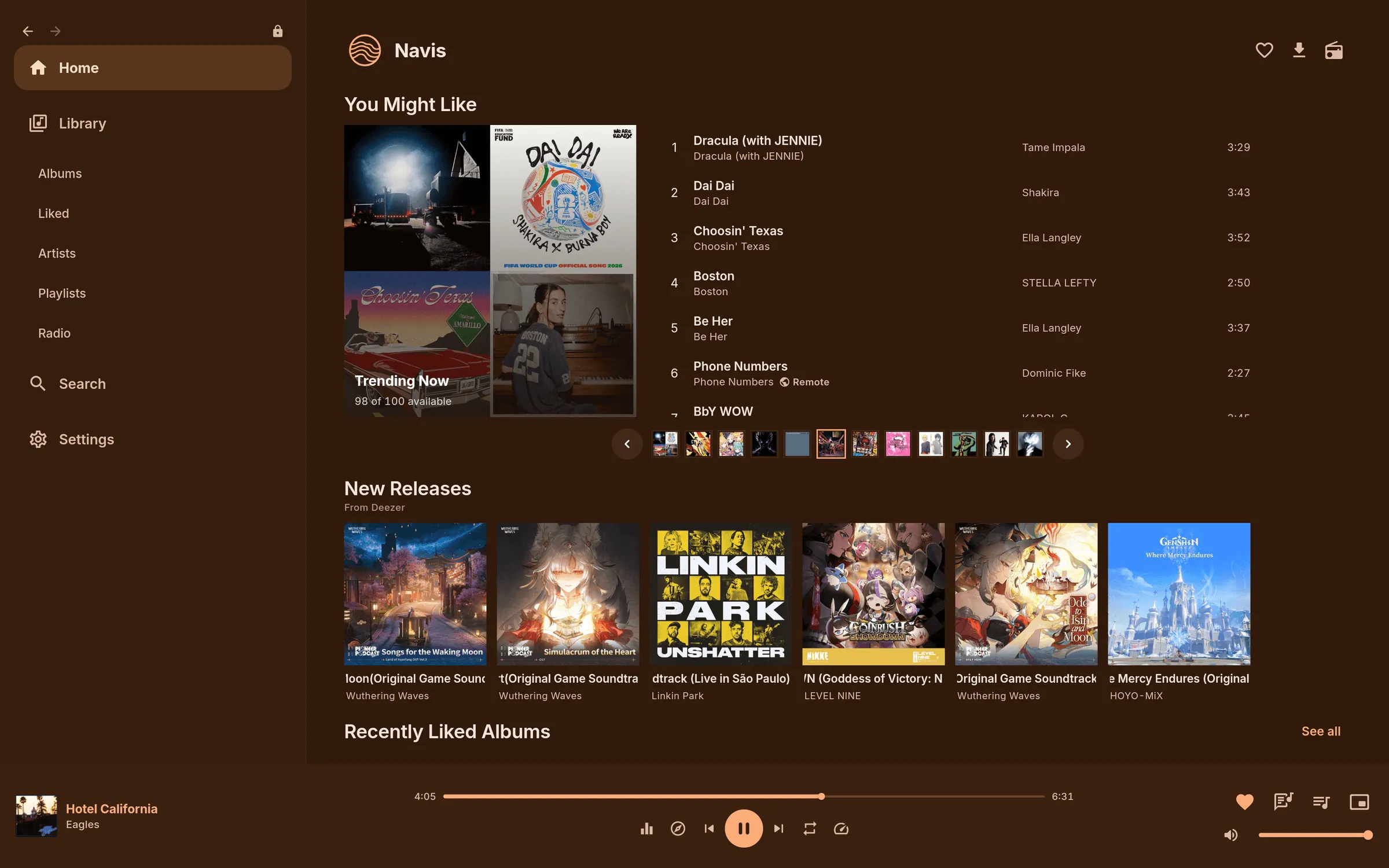
Corner Style
Pill, Soft or Square corners for buttons, chips, cards and panels. Album art keeps its own shape.
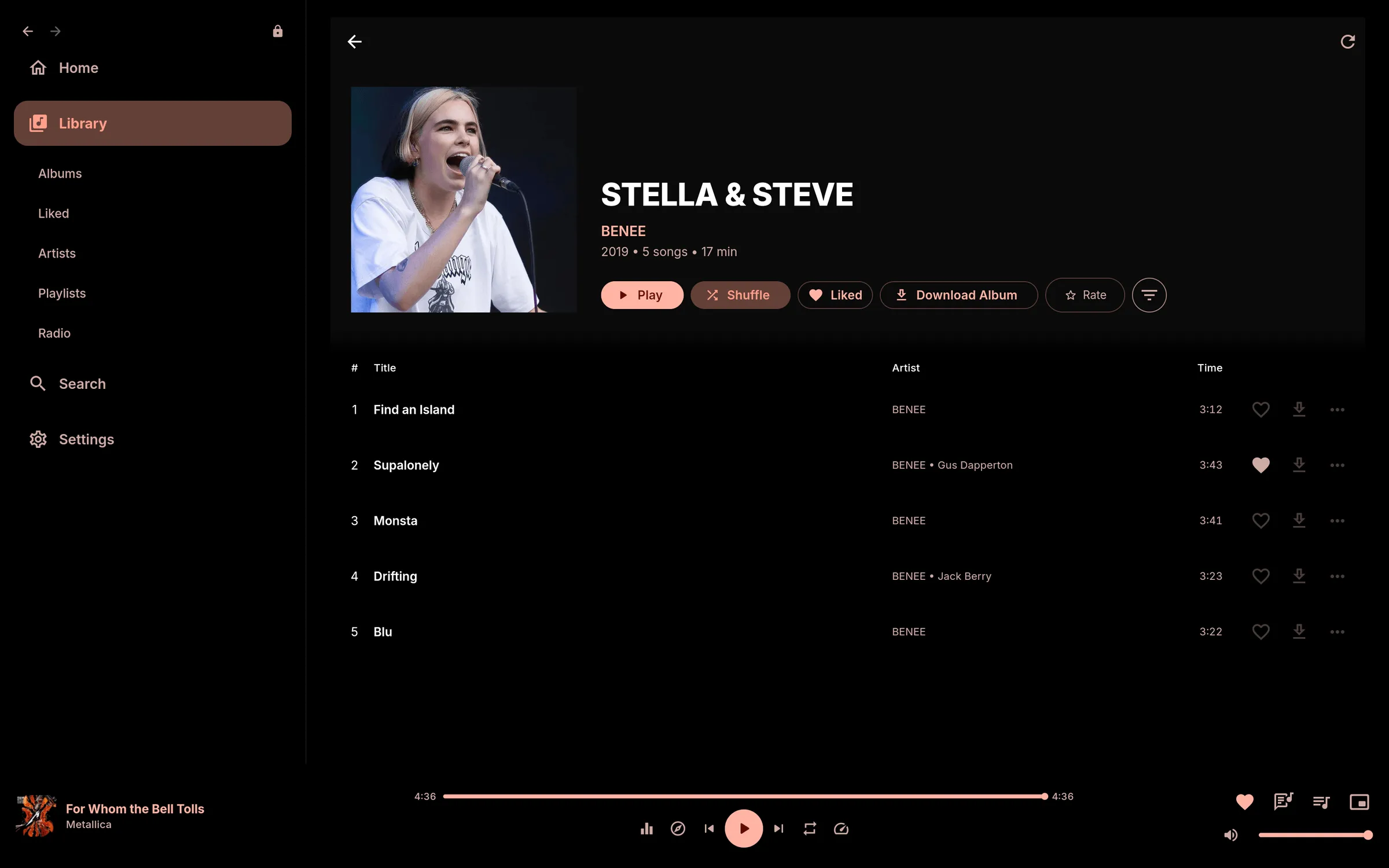
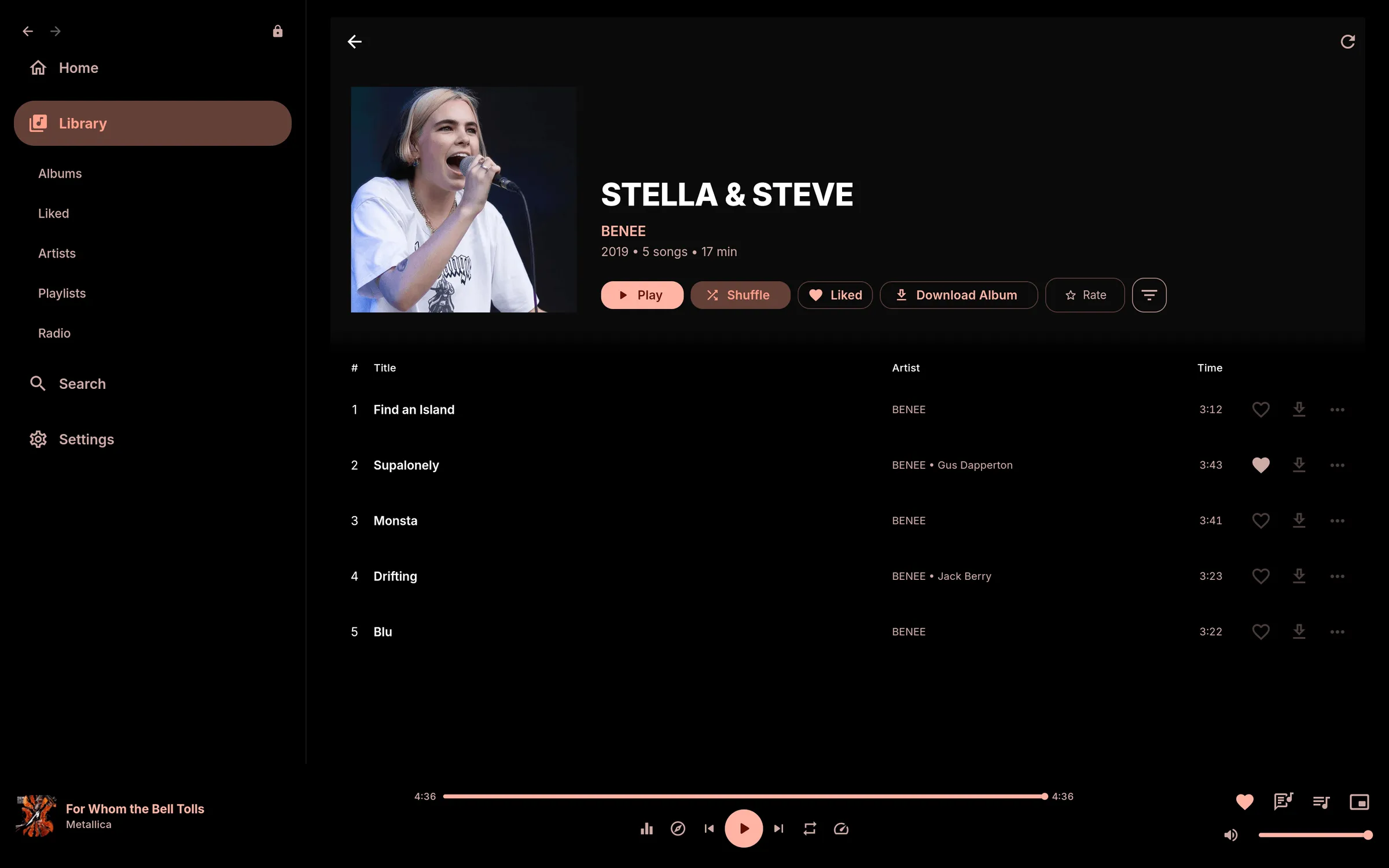
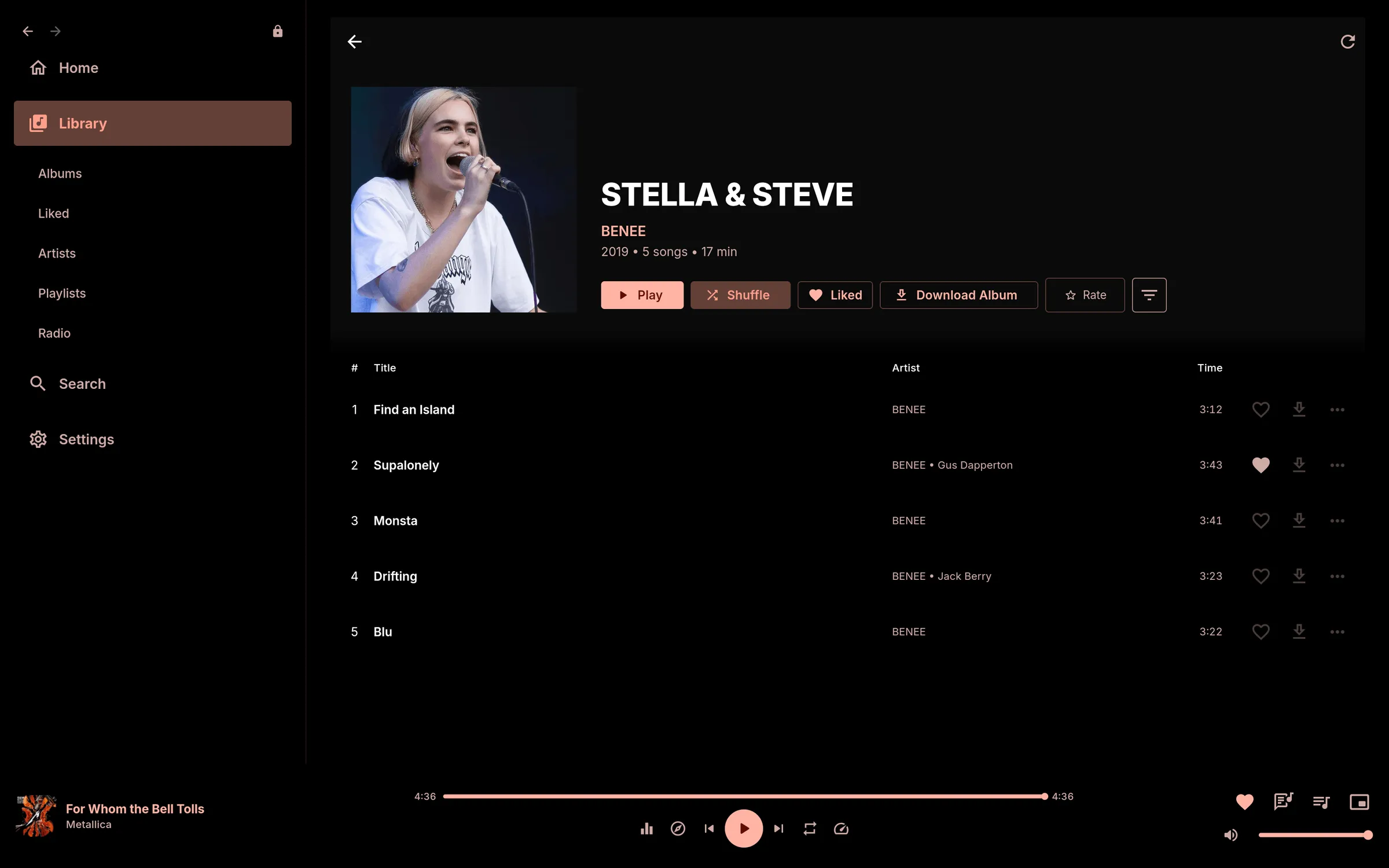
Density
Comfortable or Compact spacing for Home, track lists and library rows.